


Detailed Guide to Club Car Precedent Controller
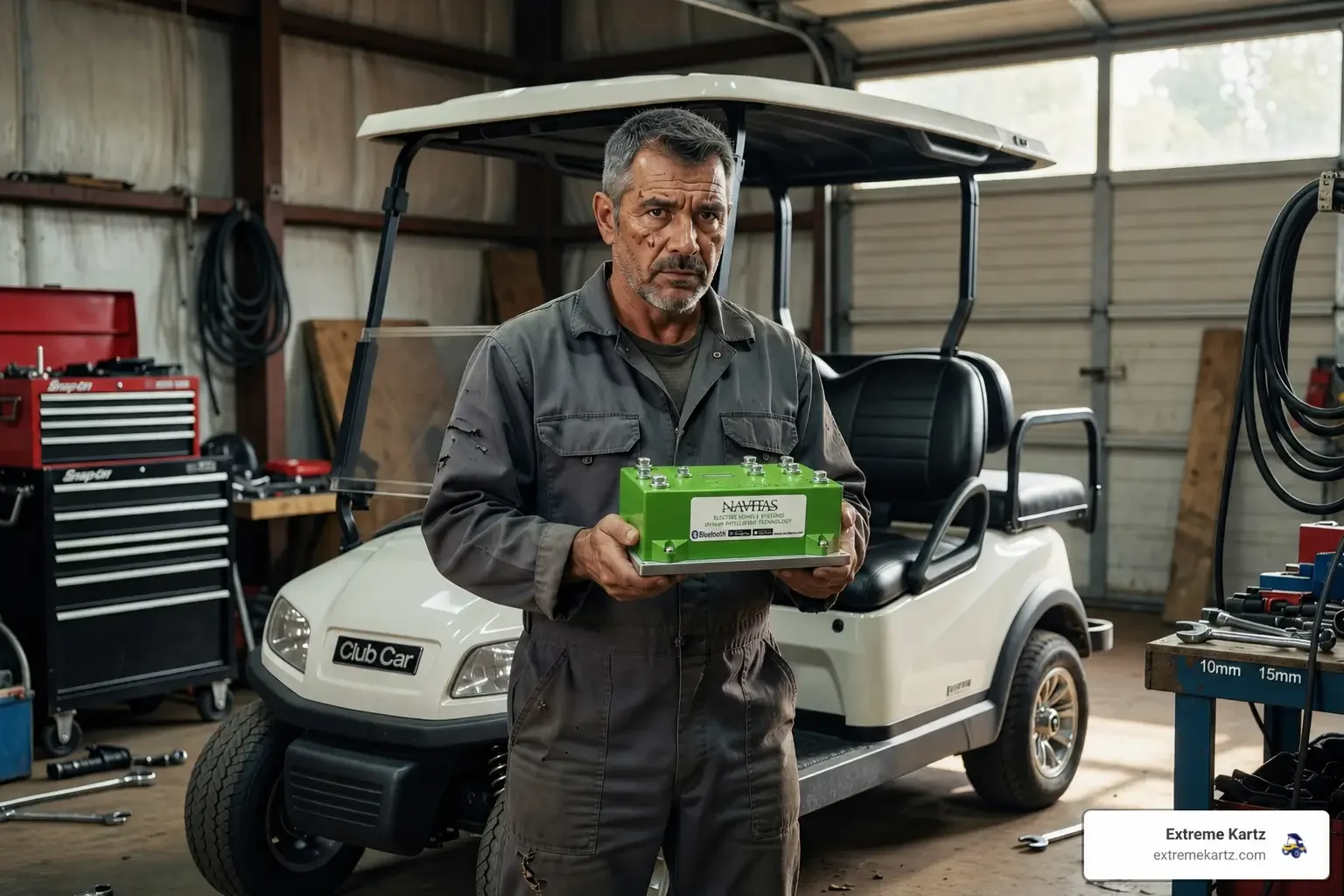
To effectively maintain or upgrade your cart, we first need to understand where the Club Car Precedent controller lives and how it functions. Unlike the older Club Car DS models, where the controller is often accessed through the rear, the Precedent typically houses its controller in the center of the battery compartment.
The controller is the cart's power manager. When you press the pedal, it reads that input and decides how much amperage to send to the motor.
It does more than control speed. It also helps with voltage regulation and thermal protection. In simple terms, it manages current flow while helping protect the rest of the drive system.
If battery voltage drops too low or the motor starts running too hot, a healthy controller will usually limit output to reduce the risk of damage.
For more details on locating your specific controller and understanding system differences, see our guide on Golf Cart Controller Locations.
About the author: This guide was written by Martin Davis, who covers golf cart parts, performance upgrades, troubleshooting, and practical how-to topics for Club Car owners.
Identifying Your Specific Club Car Precedent Controller Model
Before you click "buy" on a replacement, you must identify your system type. Club Car Precedents are generally classified as IQ or Excel systems.
- IQ System (2004-Mid 2008): These typically used a black Curtis 1510-5251 controller. They are known for having a 4x12V battery configuration in the early years.
- Excel System (Mid 2008-Present): These carts moved to a grey or white controller (often part numbers like 1515-5201 or 1515-5206). The Excel system offers more sophisticated braking and "speed code" capabilities but can be more restrictive for DIY modifications.
Color Coding Cheat Sheet:
- Black: Usually the original 48V IQ Golf system (Part #102806201).
- Grey: Common in the i2 Excel models (Part #103403402) from roughly 2008.5 to 2014.
- White: Found in 2014.5+ models (Part #103982301), often paired with the "ERIC" charging system.
If you are unsure of your year, look at your serial number. For example, a serial starting with "PH1044" indicates a 2010 Precedent. This is crucial because using the wrong harness with the wrong controller can create a wiring mismatch that prevents the cart from operating correctly.
Signs of Failure and Troubleshooting
How do you know if your Club Car Precedent controller is really at fault? A bad controller can look a lot like weak batteries, a failing solenoid, or motor trouble, so smart troubleshooting matters before you replace anything.
Common Symptoms of a Failing Controller:
- Sluggish Acceleration: The cart feels like it’s dragging an anchor, even with a full charge.
- The "Whiplash" Effect: Rough take-offs where the cart jerks forward inconsistently.
- Power Drops: The cart runs fine for five minutes, then suddenly loses 50% of its power.
- Solenoid Clicks, But No Movement: If you hear the "click" of the solenoid but the wheels don't turn, the controller may not be passing current to the motor.
Before replacing the unit, we recommend a basic motor test. You can check for continuity between the motor terminals (A1 to F1, etc.). If the motor tests fine and your battery cables are clean and tight, the controller is the likely culprit. For a deeper dive into these steps, see our Golf Cart Controller Troubleshooting Guide.
Many owners find that a simple replacement with a stock 350-amp Curtis unit restores original performance, but you must always flip your Tow/Run switch to TOW before touching any wires to avoid frying the new unit instantly.
Upgrading for Performance: DC vs AC Conversion
If you're tired of being passed by the neighbor's cart, a standard replacement might not be enough. This is where we look at high-performance Club Car Precedent controller upgrades.
The two main paths are staying with a DC system (upgrading just the controller) or converting to an AC system (replacing both motor and controller).
- DC Upgrades (Navitas TSX 3.0 or Alltrax): These are "drop-in" replacements. By moving from a stock 250A or 350A controller to a 440A or 600A unit, you allow more current to reach the motor. This results in significantly more torque (climbing hills) and a modest increase in top speed.
- AC Conversions (Navitas TAC2): This is the gold standard. AC systems are more efficient and can push a Precedent to 30+ MPH. Kits like the Navitas 600A 5KW DC/AC conversion are popular because they offer up to 70% savings on efficiency compared to older DC setups.
Check out our Club Car Performance Upgrades Guide to see which path fits your budget.
Benefits of a High-Amp Club Car Precedent Controller Upgrade
Upgrading isn't just about speed; it's about control. Modern aftermarket controllers from brands like Navitas and Alltrax are fully programmable.
| Feature | Stock Controller | High-Amp Upgrade (e.g., Navitas 600A) |
|---|---|---|
| Max Current | 250A - 350A | 440A - 600A |
| Top Speed | ~14-19 MPH | 25-30+ MPH |
| Hill Climbing | Struggles with 4 passengers | Significant torque increase |
| Programming | Requires dealer handheld | Bluetooth App / On-The-Fly (OTF) Knobs |
| Efficiency | Standard | High (better mileage per charge) |
One of the best features of the Navitas systems is the On-The-Fly (OTF) Programmer. This allows you to adjust your top speed, regenerative braking, and acceleration on a physical dial while you are driving. If you want more technical specs on these kits, our team can provide detailed breakdowns of amperage options to ensure you get the right fit for your specific needs.
Compatibility and Installation Considerations
Installing a new Club Car Precedent controller is a manageable DIY project, but there are a few "gotchas" that can stall your progress.
1. The OBC (On-Board Computer) Issue: Many Precedents use an OBC to manage charging. Some aftermarket controllers, like certain Alltrax models or AC conversion kits, require an "OBC Bypass" to function correctly. If you don't bypass it when required, your cart might not run, or it might not charge.
2. The APPS Throttle: Some newer Precedents use an APPS (Accelerator Pedal Position Sensor). Most standard Navitas or Alltrax kits are not compatible with the APPS system without a specific adapter harness. Always verify your throttle type before ordering.
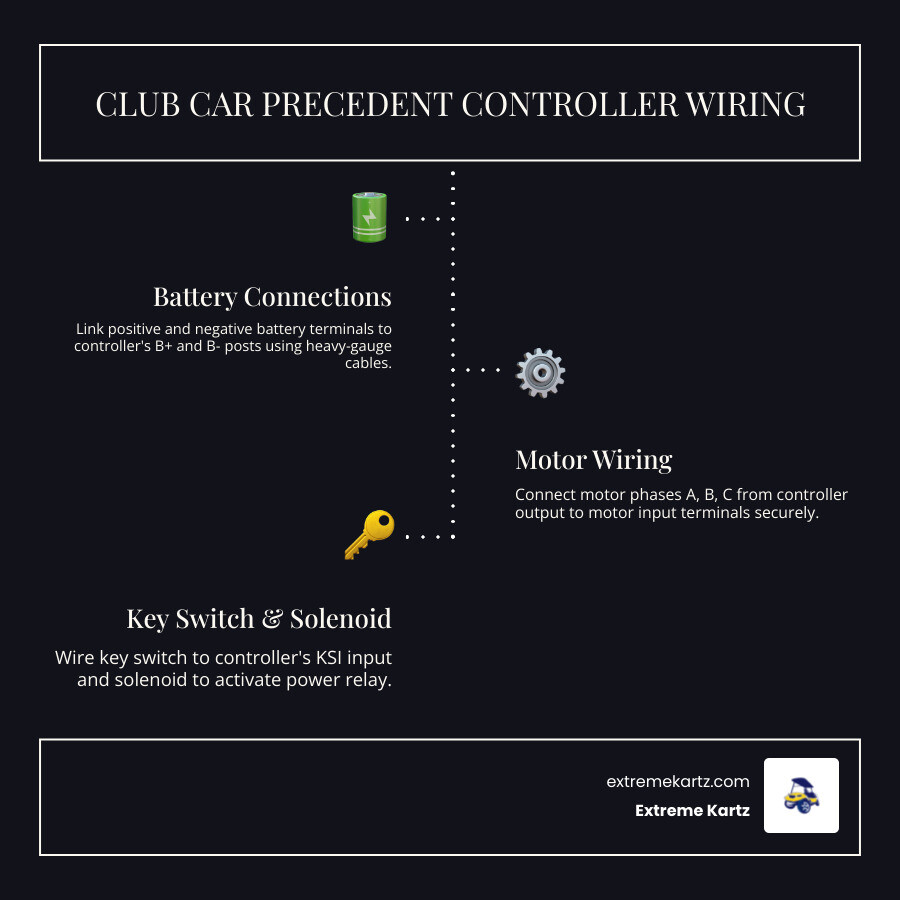
3. Supporting Hardware: If you install a 600-amp controller, you cannot use stock wiring. The increased current will melt standard 6-gauge or 4-gauge cables. We always recommend:
- 2-Gauge Battery Cables: To handle the high amperage.
- Heavy-Duty Solenoid: A stock solenoid will likely weld its internal contacts shut under the load of a 600A controller.
For a full look at how these parts integrate into the cart's body and frame, see our Club Car Precedent Phantom Complete Guide.
Required Tools for Installation:
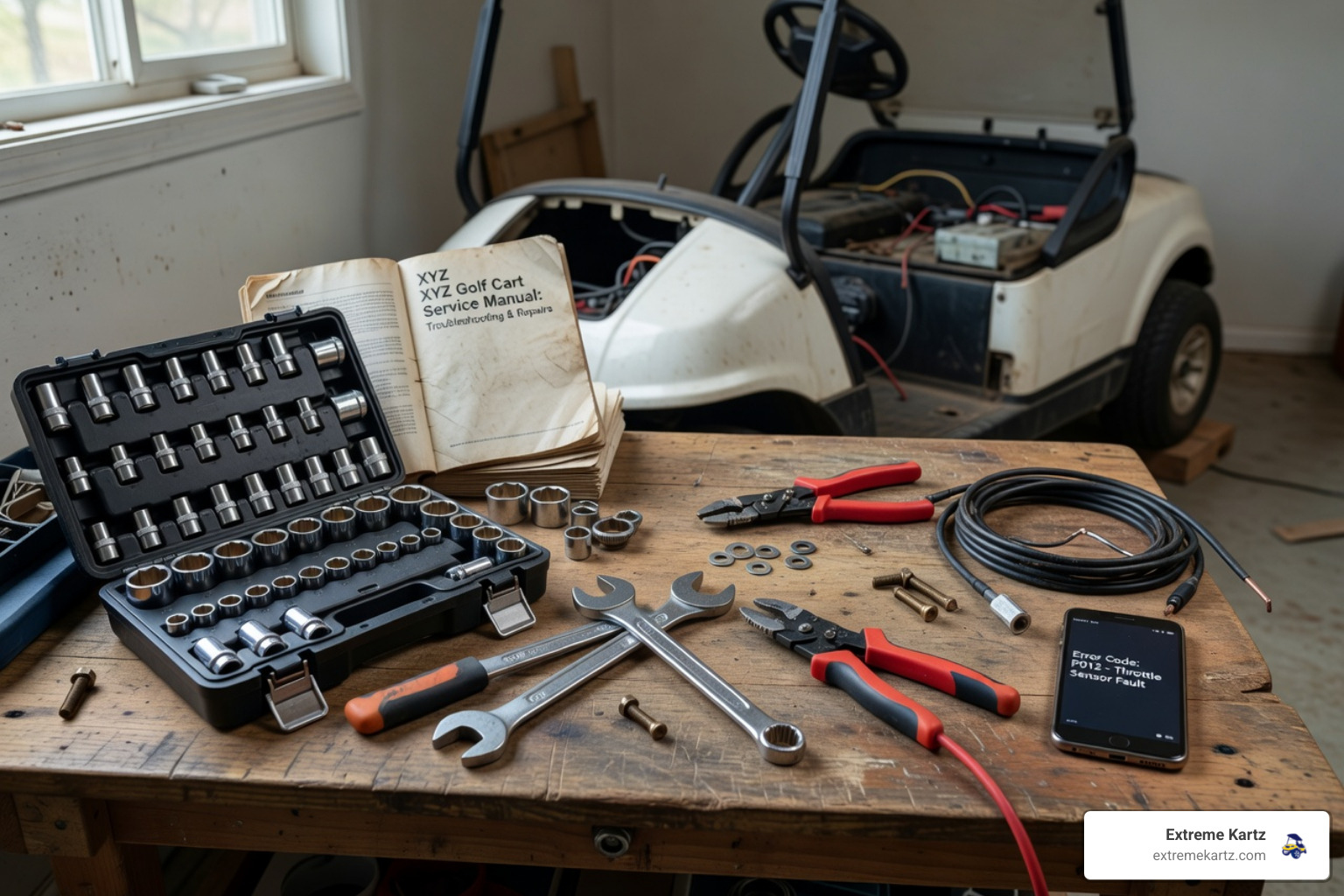
- Socket set, especially 1/2 inch and 9/16 inch sizes
- Insulated wrenches to help reduce the risk of battery arcing
- Wire strippers and crimpers if you need to modify cables
- Smartphone for setup on Bluetooth-enabled controllers
Frequently Asked Questions
Can I use a 600A controller with a stock motor?
Yes, you can. A 600A controller will provide the motor with all the "juice" it wants, which significantly improves torque and hill-climbing. However, be aware that a stock motor has physical limits. If you push a stock motor at high speeds for long periods with a 600A controller, you run the risk of overheating the motor brushes.
Do I need to bypass my OBC for a Navitas upgrade?
It depends on the specific kit. Most Navitas DC/AC conversion kits come with instructions for an OBC bypass because the new controller takes over many of the power management duties. Always check the specific harness instructions included with your kit.
What is the difference between IQ and Excel systems?
The IQ system (older) uses a 3-pin speed sensor and is generally easier to "hack" for speed. The Excel system (newer) uses a more advanced communication protocol between the controller and the motor. While Excel systems are very smooth, they often require specific "Excel-compatible" controllers to avoid error codes.
Conclusion
At Extreme Kartz, we believe in system-based solutions. Replacing a Club Car Precedent controller is often the first step in a larger journey toward better performance, but it shouldn't be done in a vacuum. To get the most out of your investment, consider how your controller, motor, and batteries (especially if you're looking at lithium) work together.
Maintenance Tips for Longevity:
- Keep your battery terminals clean; corrosion increases resistance and heat.
- Always use the "Tow" switch when the cart is being stored or worked on.
- Check your motor brushes annually if you are running a high-amp DC controller.
If you’re still weighing your options between brands or amperage ratings, take a look at our Golf Cart Controller Comparison for a side-by-side look at the best in the business.
Ready to transform your ride? Whether you need a stock replacement to get back to the mailbox or a 600-amp beast for the trails, we are here to help you find the perfect fit. All our kits ship in 1-2 business days. Reach out to us at Extreme Kartz for expert advice on your specific Club Car build!
Related Products

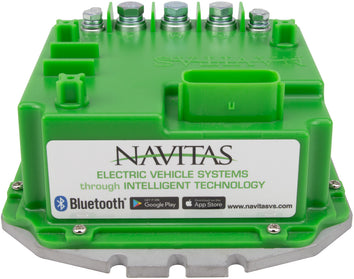
Vendor: Club Car Precedent / Onward / Tempo / IQ Navitas Controller Kit - 600 amp or 440 amp

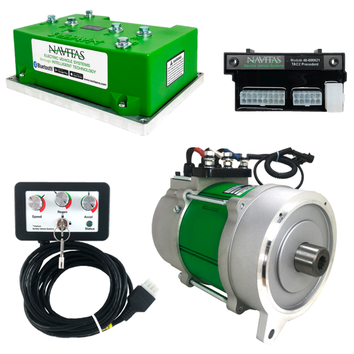
Vendor: Club Car Navitas AC Conversion Kit for Precedent / Onward / Tempo - CAN enabled


Vendor: Navitas Controller On-the-Fly Programmer All Models

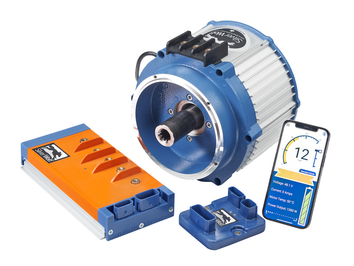
Vendor: TEEKON 9kW AC Conversion Kit for Club Car Precedent, DS & Onward | 840A Controller | FREE Heavy-Duty Solenoid Included


